

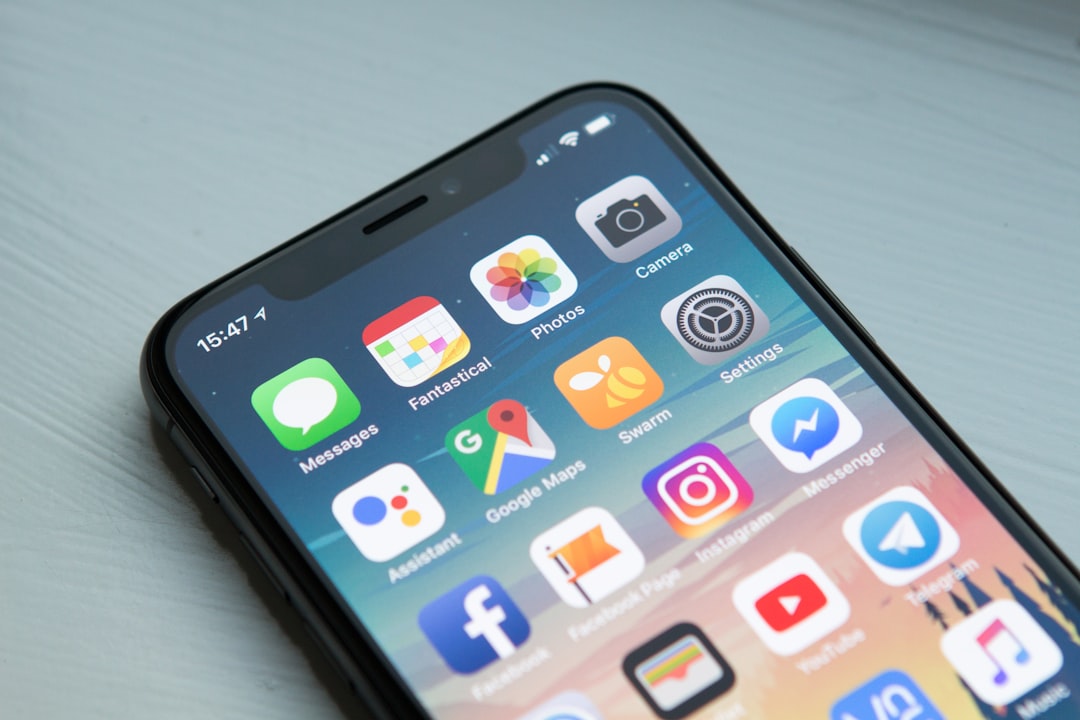
**Apple has heeded the years-long complaints of iOS users by transforming its copy-paste functionality in Messages with the new iOS 26 update.**
For many iOS users, the ability to copy and paste content across different apps and messages has been a significant pain point. With messages often acting as hubs for shared information, business communications, and personal interactions, having a seamless copy-paste function isn’t just a matter of convenience—it’s a necessity.
When Apple announced the upcoming features in iOS 26, there was a collective sigh of relief among the community, especially from those who regularly use the Messages app for both work and personal communications.
The notorious limitation encountered in previous versions was an odd behavior where complex text and rich media, such as links or formatted text, would not retain its original context or formatting when moved between apps. This bug often resulted in fragmented text or lost links altogether, creating confusion and additional unnecessary steps to clean up the text post transfer. This hurdle was particularly frustrating for professionals who depend on the reliable transfer of precise data.
The iOS 26 update introduces a more intuitive method of handling copy-paste operations. Now, users can expect a functionality that respects the original format, faithfully bridging between apps without loss of quality or content. This optimization signifies a step forward in guaranteeing that important details, such as URLs, email links, and styled text, remain intact when pasted into another app or text field.
Enhancements do not stop at the copy-paste function. Users will also notice smoother transitions and a more responsive interface that feels less cluttered, keeping inline with Apple’s commitment to user-centric design. Improvements in speed and app interaction bring the Messages app into alignment with the expectations for fast-paced communications in both professional and personal uses.
Apple has also bundled subtle suggestions for users like predictive pasting based on the recipient’s context and the type of message being composed. This innovation could mean that iOS intelligently suggests inserting a calendar invite when it sees a date mentioned or quick access to contacts when conversations shift towards scheduling.
For business users, the seamlessness of this update will particularly stand out. Given the necessity of quickly sharing snippets of information, contracts, or detailed instructions, this update ensures that iOS remains at the forefront of mobile productivity tools. Combined with the array of integrations and improvements Apple is continually making across its ecosystem, such updates serve as a reminder of their ongoing commitment to maintaining a cohesive, harmonious experience for all users.
The promise of new productivity tips tailored for different types of users further emphasizes Apple’s strategy of creating personalized user interfaces that cater directly to individual needs and maximize productivity. Whether you’re a student, business professional, or a casual user, iOS 26 aims to refine your experience on the platform significantly.
In conclusion, iOS 26 is more than just a yearly update; it’s a substantial overhaul that addresses real-world user challenges. Apple is working towards creating a more versatile, intuitive experience for every user—one that securely crosses the boundaries of apps, respects user content, and increases overall efficiency. This update reinforces Apple’s role not only as a leader in tech innovation but also as a careful listener to its user base, constantly evolving to meet and exceed expectations.
With Apple setting such strong precedents in personal and professional communications, it will be interesting to see how competitors react to these improvements and what further innovations might be expected in the future iterations of iOS.
Smart Life
iOS 26











Leave a Reply