

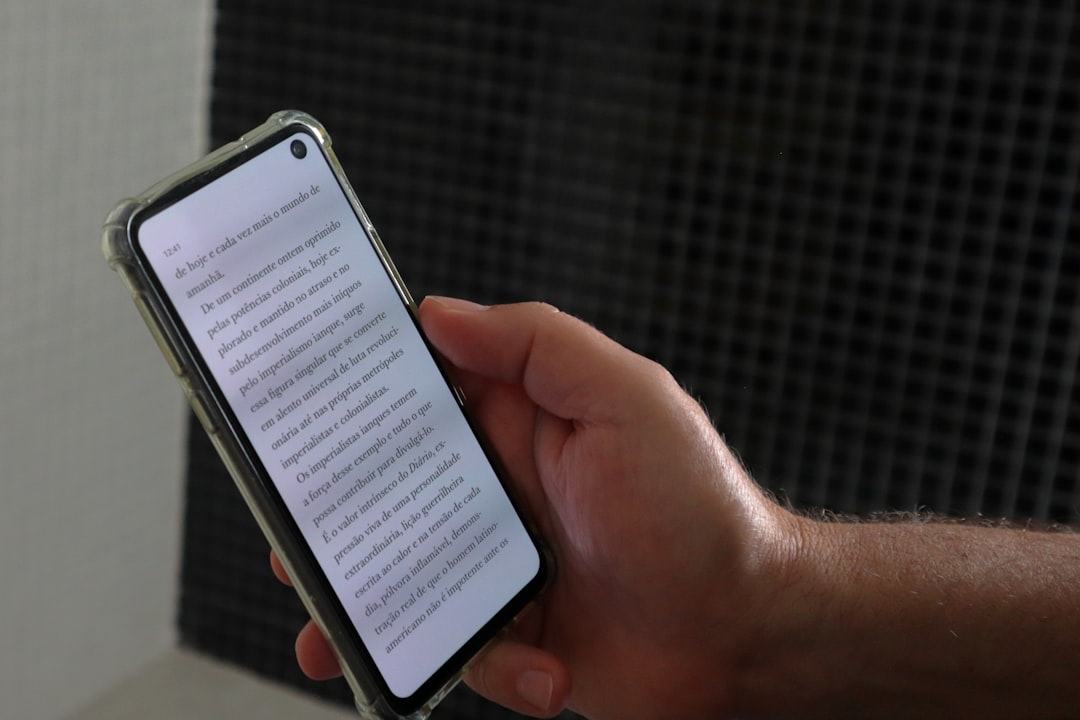
### Embrace the Future: Transform Your Experience with Voice Typing on Mobile Devices
As we navigate through the digital age, efficiency and multitasking have become essential aspects of our daily routines. In this fast-paced environment, voice typing on your phone can be a game changer. Whether you’re crafting an email, jotting down notes, or sending quick messages, this hands-free technology can streamline your tasks and help you utilize your time more effectively.
Voice typing, also known as speech-to-text, is an innovative feature available on most smartphones today. It allows users to dictate text to their devices instead of manually typing. This capability can be particularly beneficial when you’re on the go, offering a smart alternative that combines simplicity and speed.
### How Does Voice Typing Work?
The underlying technology behind voice typing is known as Automatic Speech Recognition (ASR). This technology processes the spoken language, transforming it into text using linguistic algorithms and extensive language models. In essence, your phone ‘listens’ to what you say, interprets the audio signals, and converts them into a digital text format. AI advancements have made voice typing remarkably accurate and fast, facilitating seamless communication between humans and devices.
### Setting Up Voice Typing on Your Device
To get started with voice typing, ensure that your phone’s voice recognition settings are enabled. Typically, you would find this option under language or keyboard settings. On Android devices, Google Voice Typing comes as a default feature, while iPhone users can leverage Apple’s Dictation service.
Once you activate the feature, it’s as simple as tapping the microphone icon on your keyboard and speaking. For optimal accuracy, speak clearly and keep sentences concise. Most voice typing systems can even comprehend complex vocabulary, making them incredibly versatile for various scenarios.
### Benefits of Voice Typing
Voice typing offers numerous benefits:
1. **Enhanced Productivity**: It enables you to complete writing tasks faster than manual typing.
2. **Accessibility**: It proves invaluable for individuals with mobility impairments, providing them an alternative way to interact with their devices.
3. **Multitasking**: Manage multiple tasks simultaneously, such as dictating notes while cooking or sending messages hands-free while driving (when safe to do so).
4. **Ergonomics**: It reduces the risk of repetitive strain injuries associated with long periods of typing, offering a more natural interaction method.
### Challenges and Limitations
While voice typing is incredibly convenient, it’s not without its challenges. Ambient noise can affect accuracy, so it’s best used in quiet environments. Accents and dialects may also influence performance, though continuous improvements in AI are addressing these issues. Additionally, text editing remains necessary, as the technology may occasionally misinterpret words or punctuation.
### Staying Secure with Voice Typing
Security is a critical concern when using voice typing. Ensure you’re using legitimate software provided by phone manufacturers or trusted third-party developers. Regularly update your software to protect against potential vulnerabilities. As with any form of communication over the internet, be cautious with sensitive information and verify your device’s security settings to prevent unauthorized access.
Voice typing is a marvel of modern technology, transforming how we interact with our devices. By embracing this feature, you can enhance productivity, convenience, and accessibility in your everyday activities. As technology progresses, it’s an exciting prospect to witness how voice recognition will evolve and integrate further into our routines. Embrace the power of voice typing and discover a more efficient, futuristic way to manage your mobile tasks.
Smart Life
Voice Typing











Leave a Reply