

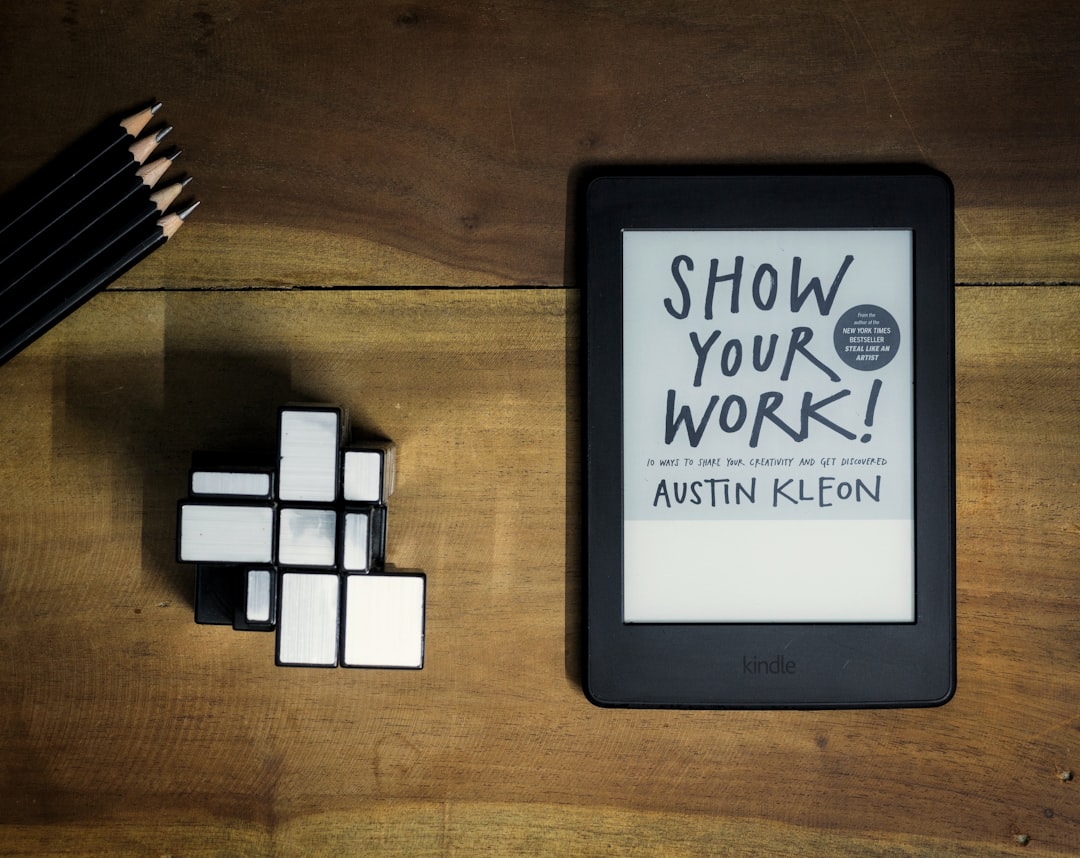
**With the ever-evolving digital landscape, productivity has become a significant focus for both individuals and businesses.** As technology continues to integrate into our daily lives, the iPad has emerged as a versatile tool to enhance productivity. From task management to creative endeavors, the right apps can transform your iPad into a powerhouse of efficiency.
The key to improving productivity lies in effective task management. With an array of applications, such as Todoist and Things 3, iPad users can effortlessly organize their tasks. These apps enable users to prioritize tasks, set deadlines, and create reminders, ensuring nothing slips through the cracks. The intuitive interface and seamless syncing across devices make it easier than ever to handle complex projects.
The integration of features such as natural language processing in Todoist allows users to quickly add tasks and manage them on the go. Things 3, on the other hand, offers a robust tagging system and a powerful calendar feature that allows users to see their tasks and calendar events side-by-side, ensuring a clear overview of their day-to-day responsibilities.
To further boost productivity, consider incorporating productivity timers like Focus@Will or Forest. These focus-timer apps can help maintain concentration by structuring work sessions effectively, fostering an environment of productive work and essential breaks.
Enhancing productivity isn’t just about managing tasks; it’s also about streamlining your workflow. The use of apps like Notability and GoodNotes can transform your digital note-taking experience. They allow you to easily annotate PDFs, sketch ideas, and organize notes with an effortless drag-and-drop interface. With Apple Pencil support, these apps make digital note-taking as natural and fluid as writing on paper.
Collaboration has never been easier with apps like Slack and Trello. Slack offers real-time messaging and a variety of integrations that can keep your team connected and informed. Meanwhile, Trello helps in managing projects with its intuitive Kanban boards, allowing teams to track project progress visually in real-time.
For those often on video calls, apps such as Zoom and Microsoft Teams provide seamless communication solutions. Their robust features, like file sharing and scheduling integration with calendars, ensure that meetings are productive and efficient.
For creatives, the iPad, coupled with the right apps, can be a canvas for artistic expression and innovation. Procreate is a standout choice for artists, providing an extensive suite of tools that rivals traditional art materials. Its multi-touch gestures and Apple Pencil compatibility make it an indispensable tool for digital creativity.
Similarly, musicians and podcast enthusiasts can explore apps like GarageBand and Logic Remote. These apps offer powerful tools for music creation, recording, and editing, turning your iPad into a mobile studio.
Furthermore, Adobe Creative Cloud applications like Photoshop and Lightroom provide photographers and graphic designers with professional-grade tools for photo editing and design on the go.
Smart Life
Best iPad apps










Leave a Reply