

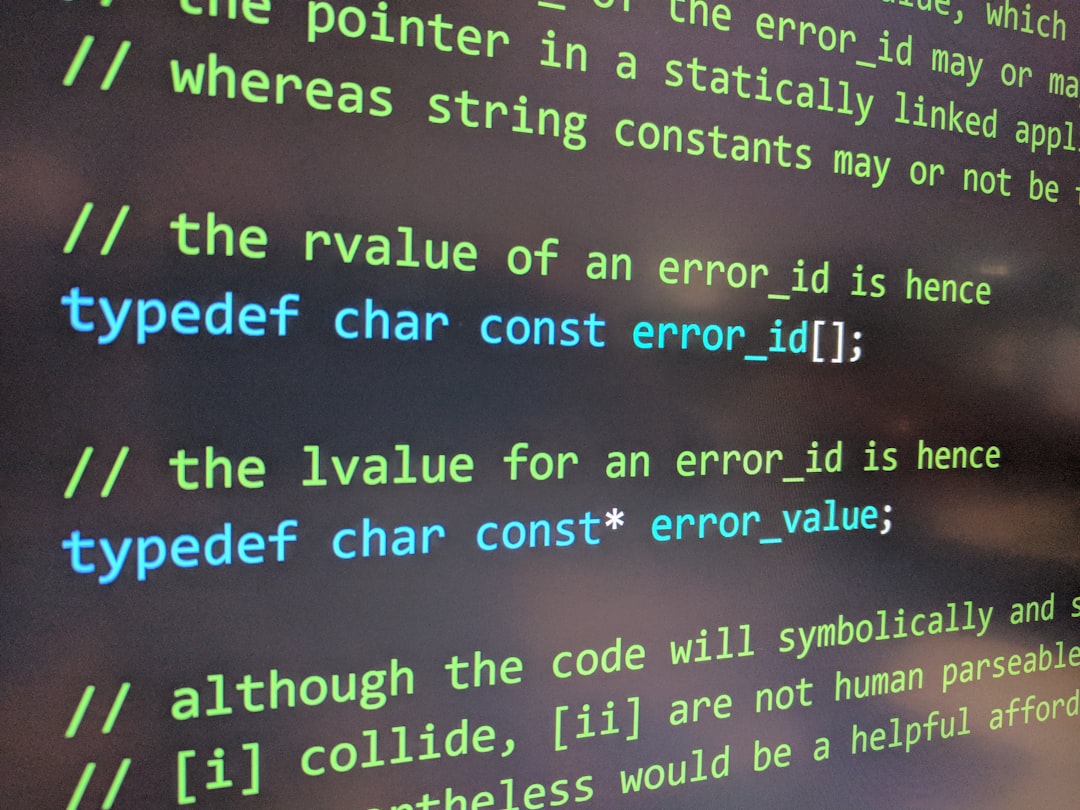
**Markdown’s Simplicity and Flexibility Make It a Modern Tool**
Markdown is increasingly becoming a staple for content creators, developers, and professionals across industries. Initially designed for creating formatted text using a plain text editor, Markdown’s appeal lies in its simplicity and widespread use. Unlike other styling languages, it requires minimal syntax and is adaptable for various formats including HTML, PDF, and more.
Markdown was borne out of necessity by John Gruber in 2004. Its primary objective was to enable writing in an easy-to-read and easy-to-write syntax, distinct from bulky HTML codes. Its clean, simplified structure makes it an ideal choice for those looking to produce web content, documentation, notes, and even presentations seamlessly.
Markdown fits seamlessly into modern workflow environments that demand flexibility and efficiency. Using Markdown, writing documentation becomes less of a chore, allowing writers to focus on content rather than formatting. This aspect is particularly beneficial for developers documenting code or journalists drafting articles, where formatting fidelity is crucial.
One of the standout features of Markdown is its ability to maintain consistency across various platforms. Whether used for styling rich text documents, generating static web pages, or managing content in CMS platforms like WordPress, Markdown ensures that your documents look professional and uniform, regardless of where they are viewed.
Furthermore, Markdown files can be converted into diverse formats like HTML, Word, and PDF with tools such as Pandoc, making data distribution simple and efficient. This conversion capability is especially useful for those who work in teams, allowing for seamless data flow between different departments and minimizing the risk of format incompatibility.
Another remarkable advantage lies in its compatibility with version control systems like Git. Markdown files, due to their text-based nature, can be easily tracked, modified, and collaborated on in real-time, aiding in efficient team coordination. This advantage is particularly useful for teams working remotely, ensuring continuous synchronization without the stress of data conflicts or losses.
**Maximizing Markdown: Practical Tips and Tools**
To fully harness the power of Markdown, it is essential to pair the language with a capable editor that supports live preview and syntax highlighting. Editors such as Visual Studio Code, Atom, and Typora provide robust features to enhance productivity, offering live preview that immediately reflects changes, thus aiding users who are visual learners or require instant feedback.
Plugins and extensions further enhance Markdown’s functionality. Tools like Markdown Lint assist in maintaining clean and error-free code, while Markdown Table Formatter helps create tables without unnecessary formatting hassle.
Markdown’s learning curve is gentle. The basic syntax—such as using ‘#’ for headings, ‘*’ for bullet points, and ‘`’ for code snippets—is intuitive. For more complex requirements, learning extended features like working with images, hyperlinks, and blockquotes will provide a richer document formatting experience.
**In Conclusion**
By integrating Markdown into your daily tasks, whether for documentation, blogging, or project management, you can significantly cut down on the time spent formatting and increase the time spent on other productive activities. Its simplicity paired with powerful features make Markdown not just a tool, but a fundamental technique for modern productivity.
Ultimately, the increasing adaptation of Markdown within various ecosystems underscores its importance and potential to transform how we produce and handle digital content.
Open Source & Software
Markdown














Leave a Reply