

**Setting up a own proxy server may initially sound daunting, but with the right guidance, it’s a rewarding and secure way to navigate the internet.** In an ever-connected digital world, maintaining privacy and security has never been more crucial. As online threats continue to evolve, so do the measures we can take to protect our data and personal information. One such measure is setting up your own proxy server.
A proxy server acts as a gateway between you and the internet, intercepting your web requests and forwarding them on behalf of your computer. In its most basic form, it serves as a layer of security, masking your IP address and providing anonymity while browsing. Beyond security, proxy servers also help in bypassing geo-blocked content, improving internet speed through caching, and negotiating complex organizational firewall restrictions.
At its core, the proxy server’s primary function is to provide a point of control and filtering for internet requests. Think of it as the receptionist of a large office building, filtering incoming requests and directing them to the appropriate room, while also allowing the receptionist to control access and maintain records.
Establishing your own proxy server can offer several benefits:
1. **Enhanced Privacy**: By intermediating your web requests, a proxy server can mask your IP address, granting you a higher degree of anonymity online.
2. **Bypassing Geo-Restrictions**: Many online services restrict content based on geographic locations. By routing your connection through a proxy server in your desired location, you can access previously unavailable content.
3. **Improved Security**: Proxies can act as firewalls, blocking access to inappropriate or harmful sites and preventing direct attacks on your system.
4. **Faster Internet Speeds**: By caching popular requests, a proxy can reduce bandwidth usage and accelerate response times for frequently visited websites.
5. **Access Control**: Especially useful for organizations, proxies can limit access to certain websites, preventing misuse of company resources.
Want to set up your own proxy server? Here’s a simplified guide to get you started:
1. **Choose The Right Software**: There are several open-source proxy server solutions available, such as Squid Proxy, WinGate, or Apache’s mod_proxy. Choose one that suits your requirements based on functionality and ease of use.
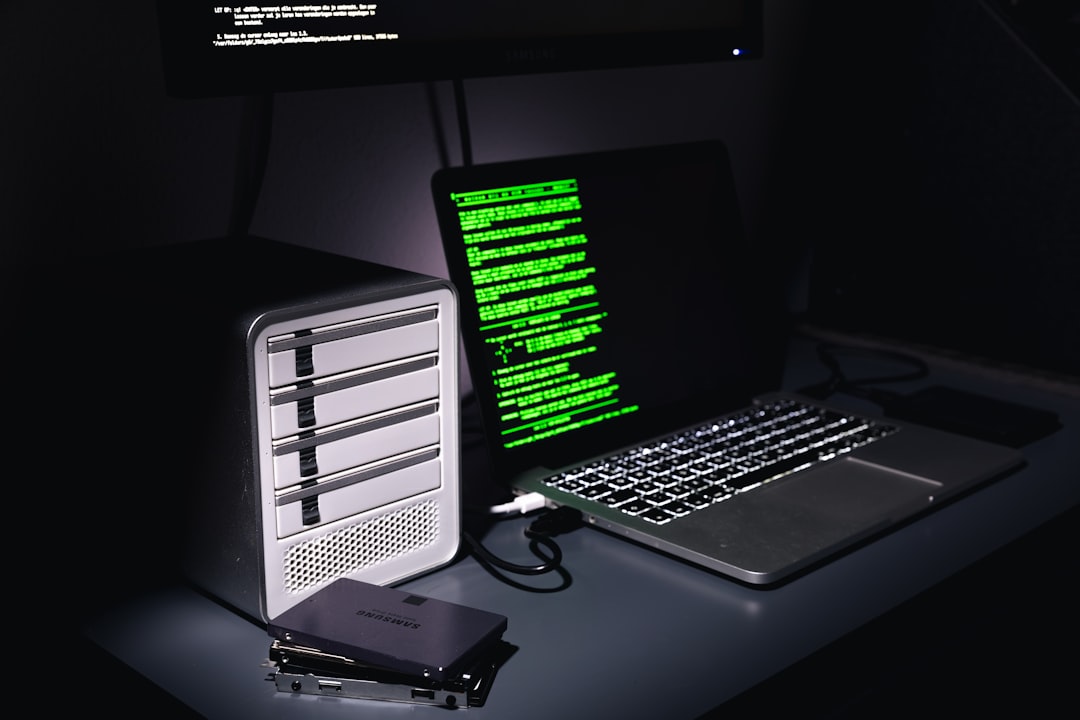
2. **Select Appropriate Hardware**: Depending on the scale, you might set up a proxy server on a dedicated machine, a raspberry pi, or even on existing infrastructure.
3. **Install And Configure Software**: Follow documentation specific to your chosen software for installation and configuration. Configure the proxy to accommodate your needs, be it for caching, filtering, or redirecting traffic.
4. **Test Your Proxy**: Once installed, test the proxy server to ensure it’s routing traffic correctly and providing the necessary level of security.
5. **Implement Security Measures**: Use encryption protocols and set permission levels to protect your proxy from unauthorized access.
6. **Regular Maintenance**: Monitoring and updating your proxy server regularly is crucial to maintain security and performance.
By following these steps, setting up a personal proxy server becomes a task that’s not only manageable, but also beneficial for those looking to secure and control their internet experience.
In the digital age, setting up a personal proxy server is more than just a hobby for tech enthusiasts. It’s a smart move towards bolstering online privacy, accessing global content, and even optimizing internet usage. The ability to tailor a proxy server to your specific needs offers a layer of control that commercial VPNs and proxies just can’t match. As you embark on this journey, you’ll not only gain valuable technical skills but also empower your web browsing experience like never before.
Cyber Security
I Set Up My Own Proxy Server











Leave a Reply